5 Best Carly AI Alternatives With a Team Knowledge Brain
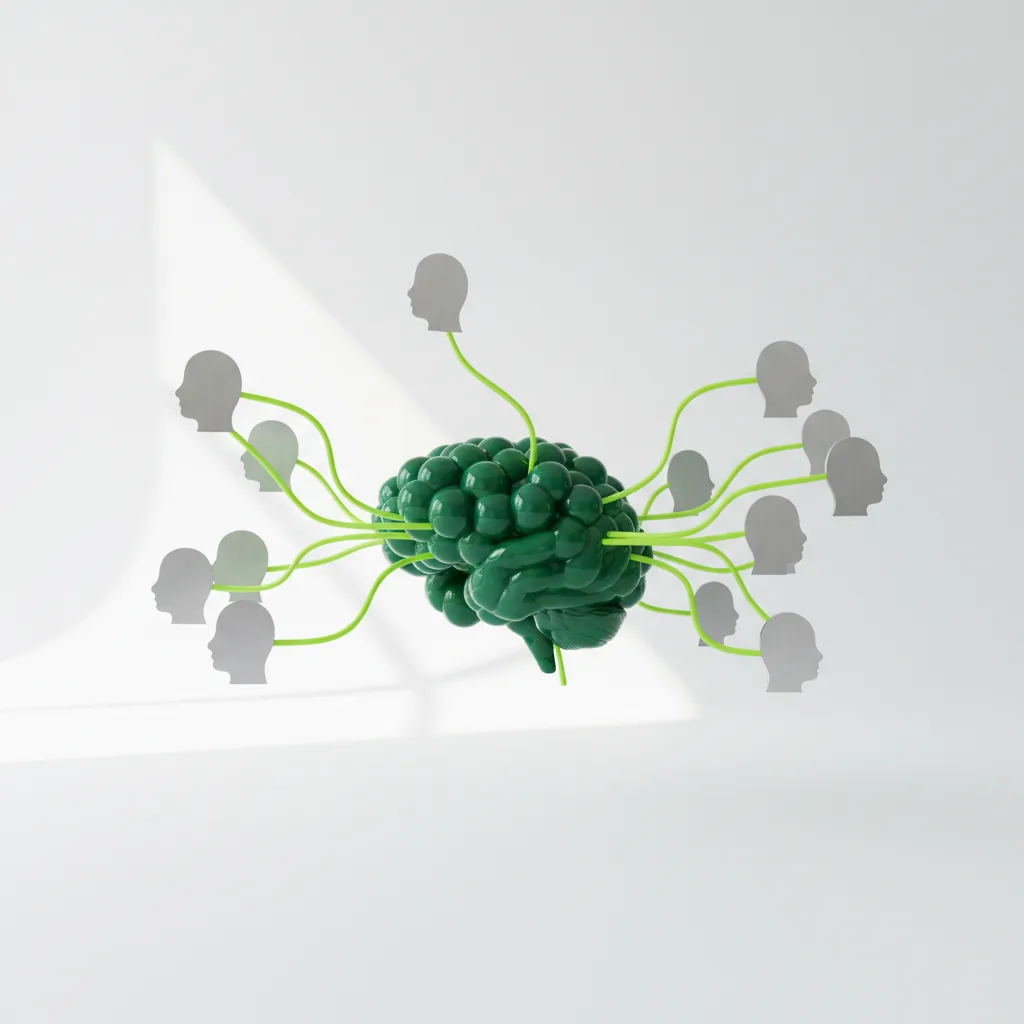
Carly AI handles scheduling and CRM automation well for individual users, but teams need more than email-focused AI assistance. When your work spans Slack threads, Microsoft Teams conversations, Gmail inboxes, and project management tools, you need an AI assistant that captures tasks across every channel and builds shared knowledge your entire organization can access. These five alternatives approach AI assistance in different ways, from team knowledge workflows to email search, inbox filtering, and workflow automation.
Key Takeaways
- Multi-channel task extraction separates this+that from email-first tools: this+that reads Gmail, Outlook, Slack, Microsoft Teams, and Google Chat to surface work from messages, while several alternatives focus mainly on email or individual assistant workflows
- Team knowledge brains help close operational knowledge gaps: this+that’s Brain holds company knowledge, lets workflows read and write that context, and keeps operational knowledge connected to the communications where work happens
- MCP server architecture enables custom integrations: this+that provides built-in Model Context Protocol servers plus the ability to connect proprietary systems, while competitors rely on pre-built connector libraries
Why Teams Need AI Knowledge Brains Beyond Basic Email Assistance
The shift from individual productivity tools to team-oriented AI platforms reflects how modern work actually happens. Most business communication now flows through multiple channels simultaneously. A client request arrives via email, gets discussed in Slack, spawns tasks in a project management tool, and requires context stored in a team wiki.
Single-channel AI assistants force teams to manually bridge these gaps. Team knowledge brains solve this by reading across communication platforms, understanding context, and identifying actionable work without requiring manual data entry. The best alternatives to Carly AI recognize that inbox automation must extend beyond email to capture where teams actually communicate.
1. this+that: Multi-Channel Task Capture With a Team Knowledge Brain
this+that combines team-based task extraction across email and chat channels with a Brain that holds operational knowledge and lets workflows read from and write back to shared context.
Key Features:
- DoBox task manager that surfaces action items from connected message channels when real work appears
- Team Knowledge Brain that workflows can read from and write to, keeping shared company context close to the work
- Multi-channel unified inbox connecting Gmail, Outlook, Slack, Microsoft Teams, and Google Chat natively
- Built-in MCP servers including GitHub, Notion, HubSpot, Jira, and Dropbox plus custom server capabilities
- Natural language workflow builder enabling non-technical team members to create complex automations
- Shared task views with assignment capabilities across team members’ connected inboxes
The platform’s transformational strength lies in solving the fundamental disconnect between where teams communicate and where work gets tracked.
The Brain gives every workflow your company’s real context to act on, including pricing rules, playbooks, and customer status. Workflows feed what they learn back to the Brain, creating an operational knowledge system that improves automatically rather than requiring manual wiki updates.
For teams requiring integrations across their existing tool stack, this+that’s MCP architecture enables connections to proprietary systems that aren’t available in off-the-shelf connector libraries. Developers can build custom MCP servers for internal databases and specialized applications.
This approach lets teams evaluate multi-channel task extraction before moving to a paid plan.
2. Lindy.ai
Lindy.ai positions itself as an agentic AI platform enabling users to build custom AI assistants for email, meeting, and workflow automation through event-driven triggers.
Key Features
- Custom AI agents with event-driven automation triggers: The platform allows users to design AI assistants that respond automatically to specific events like incoming emails, calendar changes, or app notifications, enabling workflows that execute without manual intervention.
- 5,000+ app integrations: Lindy’s integration ecosystem supports connections across business applications, including tools for sales, support, operations, and workflow automation.
- Template library with 100+ pre-built workflows: Pre-configured automation templates reduce initial setup time for common use cases like meeting scheduling, email triage, and data synchronization across business systems.
- Voice and phone capabilities through Lindy Phone: Integrated phone functionality enables AI-powered call handling, voice interactions, and telephone-based workflows for teams where voice communication remains essential.
- AI model support for workflow steps: Lindy documentation and templates reference models such as Claude, Gemini Flash, GPT-4o, and Llama-3 for different workflow and phone-use cases.
- Calendar and scheduling automation features: Built-in calendar management capabilities handle meeting coordination, availability checking, and automated scheduling workflows without requiring external booking tools.
Lindy.ai is used by individuals and teams that need custom workflow automation with event-driven triggers across a broad integration ecosystem. It is typically applied in workflows where AI agents respond automatically to events in connected applications, voice interactions are required, or template-based automation accelerates implementation.
3. Shortwave
Shortwave serves Gmail users seeking advanced AI search and writing assistance within a redesigned email interface, built by former Google engineers with deep expertise in email infrastructure.
Key Features
- AI-powered email search with tiered history access: Search capabilities range from 90-day history on free tiers to unlimited search on premium plans, using AI to surface relevant conversations based on intent rather than exact keyword matching.
- AI writing assistant that learns personal communication style: The writing tool adapts to individual tone, phrasing patterns, and communication preferences over time, generating drafts that match personal style rather than generic templates.
- Email filtering capabilities: Filtering rules organize incoming messages based on sender, content, or other criteria, with filter limits varying by plan tier to manage inbox organization and priority sorting.
- Clean, fast interface optimized for Gmail workflows: The redesigned email client prioritizes processing speed and visual simplicity, targeting users who value interface responsiveness and streamlined navigation over feature density.
- iOS and Android mobile applications: Native mobile apps extend the desktop experience to smartphones, maintaining consistent functionality and interface design across devices for users managing email on multiple platforms.
- Tasklet integration for workflow automation: Tasklet connectivity enables automation across business applications, allowing email events to trigger actions in connected systems and data to flow between Shortwave and external tools.
Shortwave is used by Gmail users who prioritize email search depth, AI writing assistance, and interface design over multi-channel task management. It is typically applied in workflows where email processing speed and Google Workspace integration are primary requirements, while team collaboration features and non-Gmail platforms are not essential.
4. Superhuman
Superhuman built its reputation on a fast email experience with keyboard-driven workflows and guided onboarding, serving users who prioritize email processing speed.
Key Features
- Keyboard-driven design optimized for processing speed: Comprehensive keyboard shortcut coverage enables email processing without mouse interaction, targeting users willing to invest in shortcut mastery for maximum velocity through inbox workflows.
- Human onboarding with 1:1 training sessions: Individual training calls ensure users learn keyboard shortcuts, platform workflows, and productivity techniques from day one, differentiating the platform from self-serve alternatives.
- Support for both Gmail and Outlook accounts: Dual email provider compatibility serves teams split across Microsoft and Google ecosystems, allowing standardization on a single email client regardless of underlying provider.
- Social profile data for networking context: Automatic profile information surfacing provides context about email contacts including social media presence, professional background, and networking relationships directly within the inbox interface.
- CRM integrations for sales workflows: Superhuman supports CRM context and integrations for HubSpot, Salesforce, and Pipedrive, helping users work with customer information from the inbox.
- Calendar integration for scheduling workflows: Built-in calendar connectivity enables scheduling coordination, availability checking, and meeting management without switching between email and separate calendar applications.
Superhuman is used by individuals and teams focused exclusively on maximizing email processing velocity through keyboard-driven workflows and willing to invest in guided onboarding. It is typically applied in workflows where email speed is the primary productivity metric, both Gmail and Outlook support is required, and multi-channel task extraction or team knowledge management are handled by separate tools.
5. SaneBox
SaneBox provides email filtering and organization that works with any email provider, offering budget-friendly entry points for users seeking basic inbox management.
Key Features
- AI-powered email filtering and priority sorting: Machine learning algorithms analyze incoming messages to automatically categorize emails by importance, sender patterns, and content relevance, moving non-urgent items to designated folders without manual rule creation.
- Universal email provider support including Gmail, Outlook, Yahoo, and IMAP services: Platform-agnostic compatibility serves users on legacy systems, enterprise email platforms, or non-standard providers that other tools don’t support, working through IMAP protocols rather than requiring specific provider APIs.
- SaneLater folder for non-urgent messages: Automatic segregation of lower-priority emails into a separate folder keeps the main inbox focused on time-sensitive communications while preserving access to deferred items for later review.
- SaneBlackHole for unwanted senders: Permanent filtering mechanism removes emails from specific senders by moving them to a designated folder, functioning as an enhanced unsubscribe tool for persistent unwanted communications.
- Email reminder and follow-up tracking: Scheduled reminders surface emails at specified future times and track messages awaiting responses, ensuring time-sensitive communications don’t get lost in inbox volume.
- Works within existing email clients: Integration approach operates through email protocols rather than requiring adoption of new interfaces, allowing users to maintain familiar email clients while adding SaneBox filtering in the background.
SaneBox is used by individuals seeking email filtering and organization across any email provider without adopting new email clients or AI assistant features. It is typically applied in workflows where inbox management through automatic filtering is the primary goal, budget constraints favor lower-cost options, and team collaboration or multi-channel task extraction are not required.
If you are weighing Carly against this+that specifically, our side-by-side comparison covers where each one fits.
Frequently Asked Questions
What is an AI team knowledge brain and how does it benefit collaboration?
An AI team knowledge brain serves as a shared operational intelligence layer that automatically captures, organizes, and surfaces institutional knowledge across your organization. Unlike static wikis requiring manual updates, this+that’s Brain auto-updates from workflows and connected communication channels. It provides every automation with real company context including pricing rules, customer status, and established playbooks. Teams benefit through shared context for recurring situations and fewer knowledge silos where critical information lives only in individual inboxes, Slack threads, or memory.
How do AI personal assistants differ for individuals versus teams?
Individual AI assistants like Superhuman and Shortwave optimize personal email processing speed and writing quality for single users. Team-oriented platforms like this+that add shared task views with assignment capabilities, workflows that operate across team members’ connected inboxes, and knowledge bases that grow from collective usage. The distinction matters because individual productivity gains don’t automatically translate to team coordination improvements. A team where each member processes email faster still faces coordination challenges if tasks extracted from those emails don’t flow into shared tracking systems.
Can existing enterprise collaboration tools integrate with new AI knowledge management systems?
this+that’s MCP server architecture provides native integrations across Gmail, Outlook, Slack, Microsoft Teams, and Google Chat. The built-in MCP servers connect to tools including GitHub, Notion, HubSpot, Jira, Asana, and Dropbox. Organizations can build custom MCP servers for proprietary systems not covered by pre-built connectors. This bidirectional architecture positions this+that as both a consumer and provider of tool integrations, supporting flexible enterprise AI deployment without requiring replacement of existing infrastructure.
What are the key considerations when choosing an AI solution for complex team workflows?
Prioritize multi-channel support matching where your team actually communicates rather than email-only solutions. Evaluate whether the platform extracts tasks automatically or requires manual entry. Consider knowledge management capabilities that preserve institutional context rather than treating each conversation in isolation. Finally, examine integration depth with your existing tool stack through native connectors or extensible architectures like MCP servers.
How does AI help in transforming scattered team communications into organized actions?
AI transforms scattered communications by reading across connected channels simultaneously, identifying action items without manual flagging, and routing tasks to appropriate team members automatically. this+that’s DoBox represents this approach by auto-populating from every message across Gmail, Outlook, Slack, Microsoft Teams, and Google Chat. The platform spots action items without requiring typing, creating what users describe as “task-level inbox zero” rather than merely processing messages faster. Combined with the team Brain providing context about company operations, AI converts communication chaos into coordinated execution.