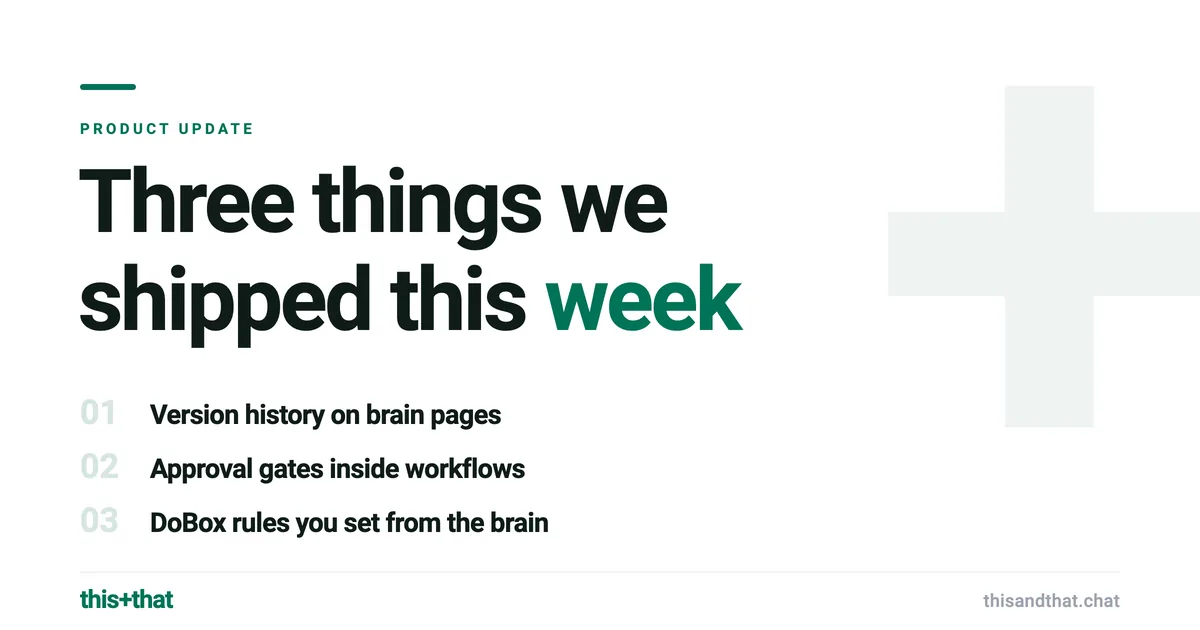
Three things we shipped this week
Most weeks the work that matters is not a headline feature. It is the set of smaller changes that make the product feel like it was built by people who use it. Three of those landed this week, and they line up neatly with the two things this+that exists to do: automate the work, and keep the operational knowledge that work runs on.
Brain pages now keep their history
The brain is where your team writes down the things that should outlive any single message: pricing logic, positioning, the reason a decision went the way it did. Knowledge like that gets edited. Someone updates a price, refines a policy, or rewrites a stale page, and until now the previous state was simply gone.
Brain pages now carry version history. Every page keeps its earlier versions, so a page is no longer a single fragile copy of the truth but a record of how that truth changed. If an edit turns out to be wrong, the older version is still there to fall back on. If you want to know what a page said last month before a policy shifted, you can look.
This matters more because agents write to the brain, not only people. When an automation records what it learned during a run, version history is the difference between trusting that the brain is durable and worrying that one bad write erased something you needed.
Workflows can pause for a human
Workflows are the automation half of this+that, and the real objection to any automation is that some steps should not run unattended. Sending money, replying to an important customer, posting something public: you want the machine to do the assembly and a person to make the call.
Workflows can now include an approval gate. It is a step that pauses the flow and waits for a person to sign off before anything after it runs. The workflow does all the work up to that point, then stops and asks. Approve it and the flow continues. Hold it and nothing downstream fires.
That turns the workflow builder from a tool for the safe, fully automatic tasks into one you can trust with the consequential ones. A flow can read a message, draft the response, pull the right figures from the brain, and then wait for you to glance at it before it sends. The depth was already there in the thirty-two action types, the branching, and the loops. The approval gate is what lets you point that depth at work where a wrong move actually costs something. See the workflows page for how the pieces fit.
DoBox rules you can actually see
The DoBox is where messages become tasks. It sits in the middle of the path a message takes: it arrives, it becomes a task, and from there it either gets handled by a person or handed to a workflow. For the DoBox to be useful, it has to make good calls about what counts as a task and how to treat it.
It used to learn those calls in a way you could not inspect. You nudged it through a feedback mechanism and its behavior drifted in response, but the rules it was following were not anything you could open and read. Helpful when it worked, frustrating when it did not, because there was nothing to point at and correct.
Now those rules live on a brain page. You set how the DoBox behaves by writing it down in plain language in the brain, the same place your team keeps the rest of its operational knowledge. What it should treat as a task, what to ignore, how to label things: it is configuration you can see, edit, and reason about.
This is the operational-knowledge idea doing exactly what it is supposed to do. The brain does not just store facts an agent reads. It governs how the agents behave, in the open, where you can change it. The DoBox is a supporting player in the path from message to done, but it is a clearer one now that its rulebook is somewhere you can actually look.
The thread through all three
None of these is a marquee launch, and that is the point. Each one closes a gap between what the product could do and what you could see and control while it did it. History you can fall back on. A pause you can insert. Rules you can read.
For the bigger change that shipped alongside these, read about belonging to multiple teams at once. Or open this+that and try them. Free for 30 days, including 3,000 credits, no credit card required. Then $35 per user per month, or $29 billed annually, with 3,000 credits a month per person.